


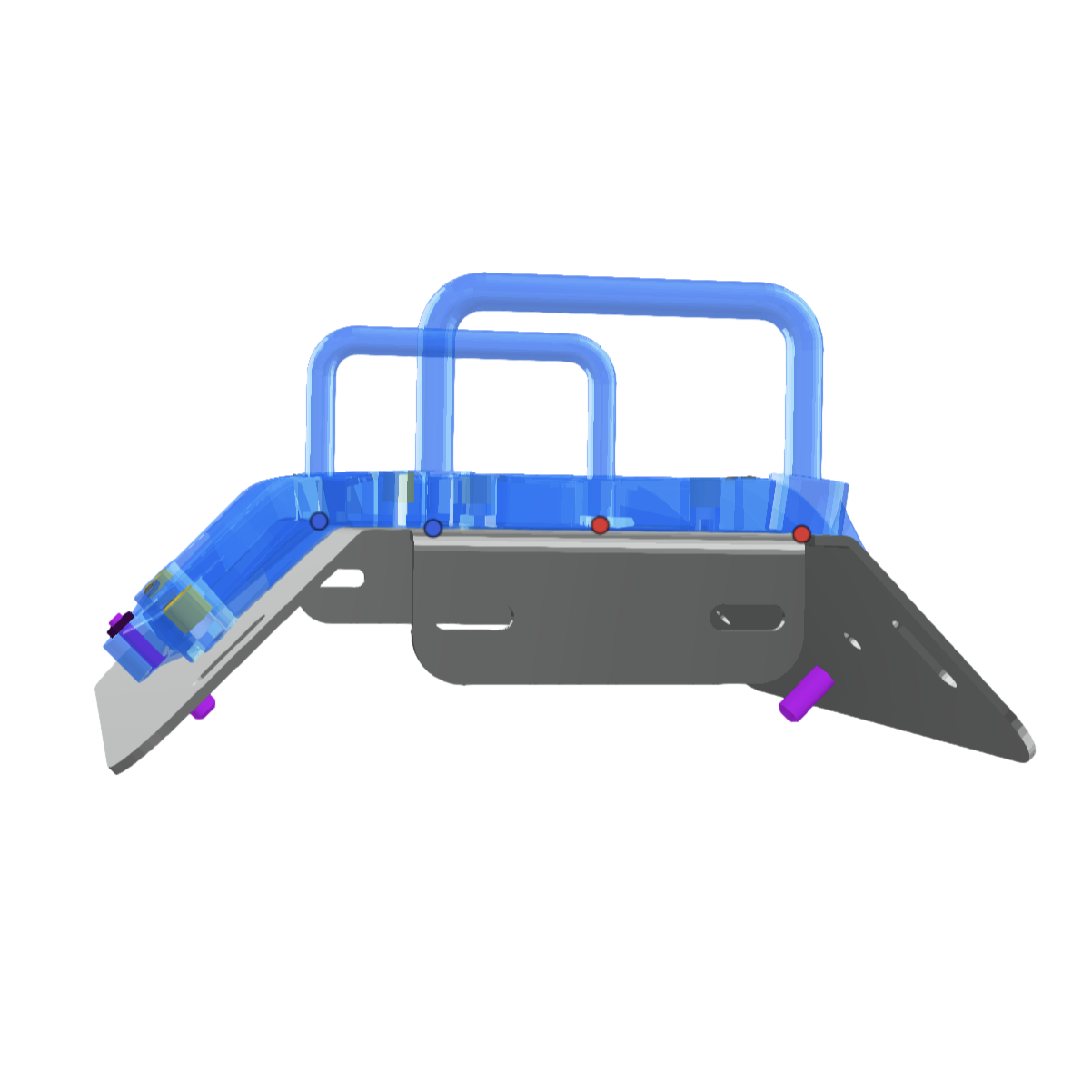
Reliable positioning
Create guides that fit directly to your part for accurate, repeatable drilling every time.
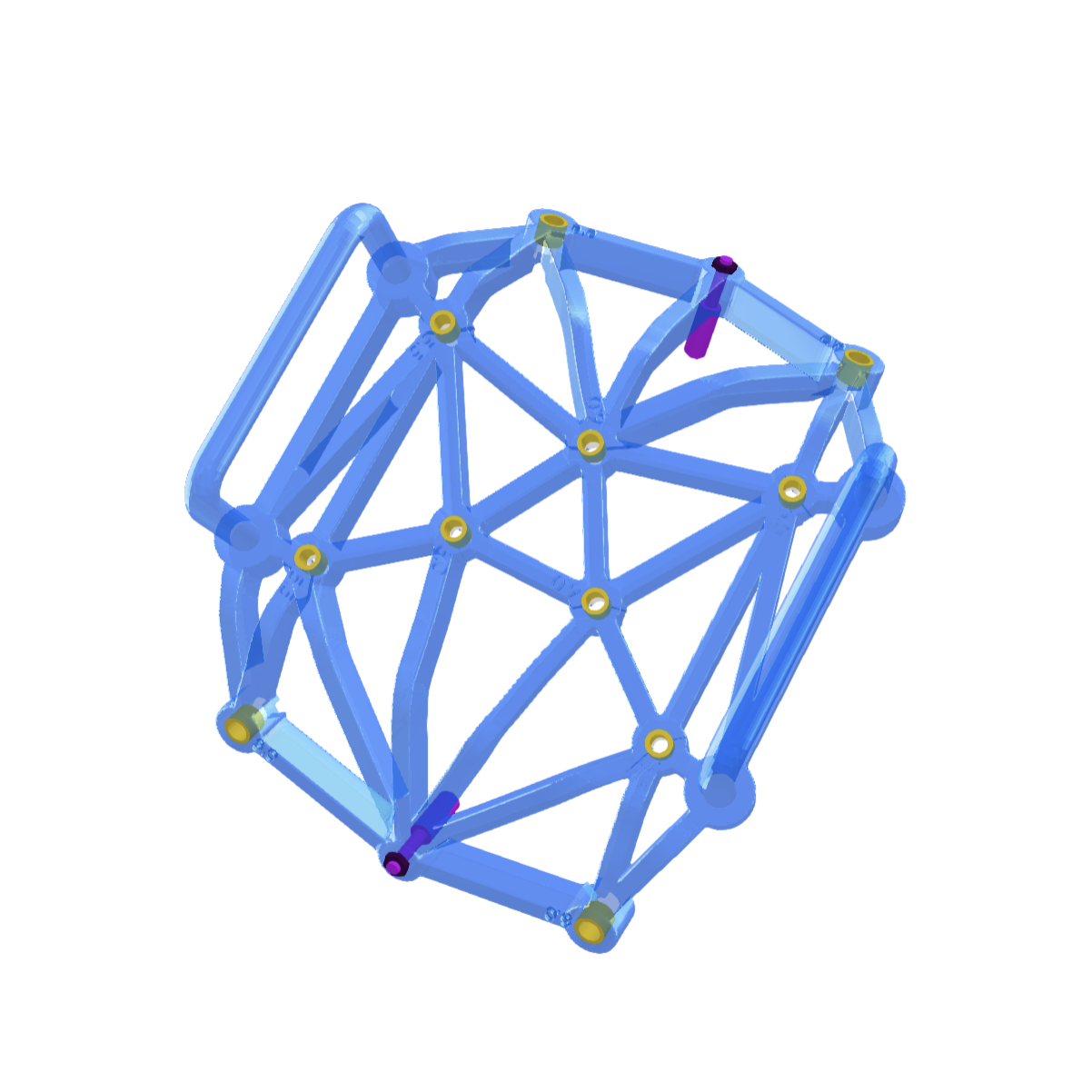
Automatic hole detection
Automatically detect holes in your part and turn them into accurately positioned drill locations.
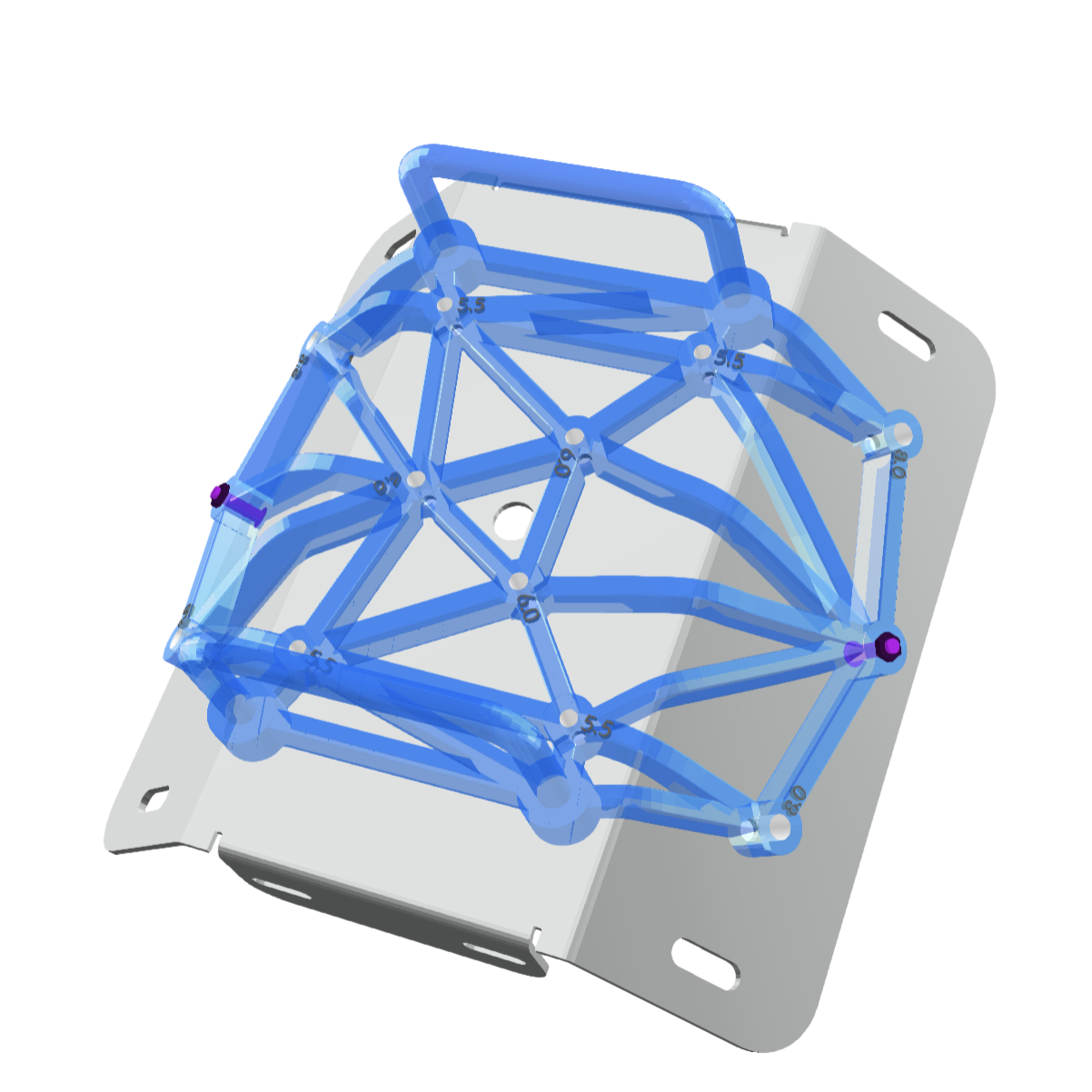
Custom guide features
Add bushings, locator pins, handles, and chip clearance to create a drill guide ready for the job.
Step 1
Step 1
Step 2
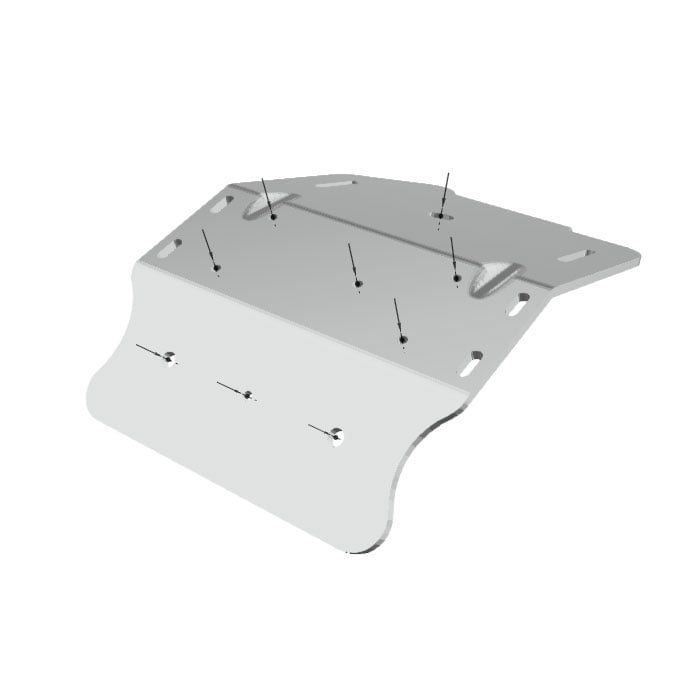
Select your holes
Automatically detect and choose the holes you want to drill.
Step 2
Step 3
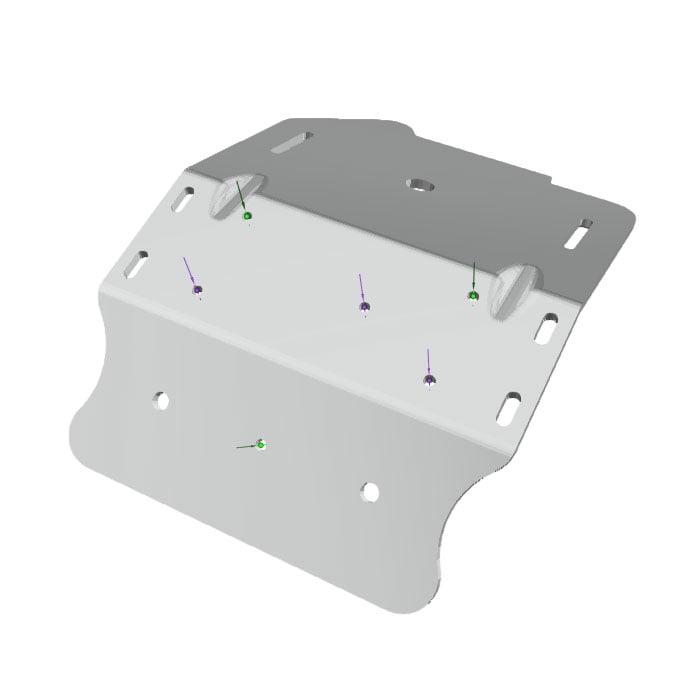
Add locator pins
Add locator pins to ensure the guide sits correctly on your workpiece.
Step 3
Step 4
Create the guide body
Generate a guide body that fits the shape of your part.
Step 4
Step 5
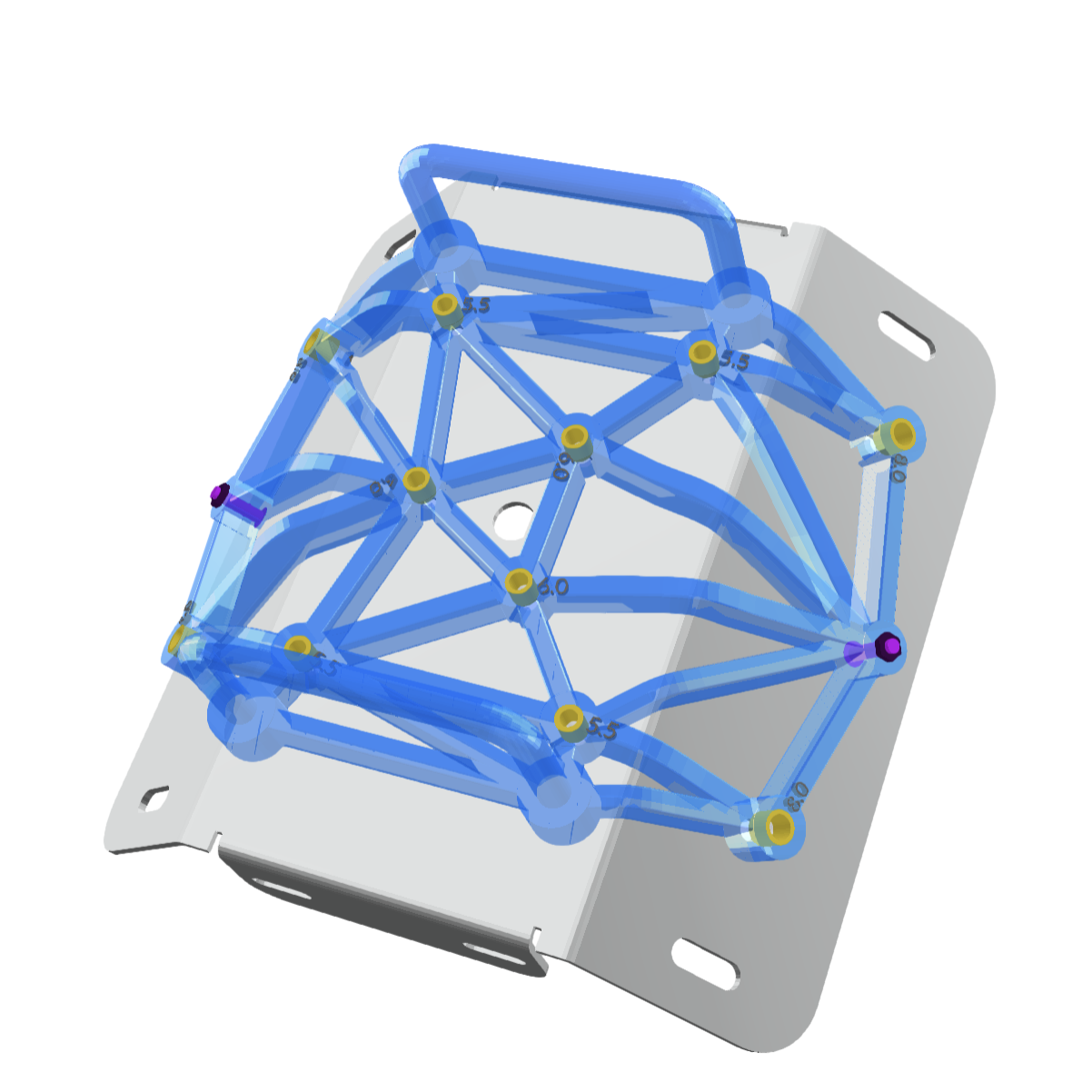
Add bushings
Add seats for standard drill bushings for accurate, repeatable drilling.
Step 5
Step 6
Add features
Add handles, chip clearance, and other features to suit your application.
Step 6
Step 7
Step 7