
Control the overall thickness and stiffness of the generated mask structure in a few clicks.


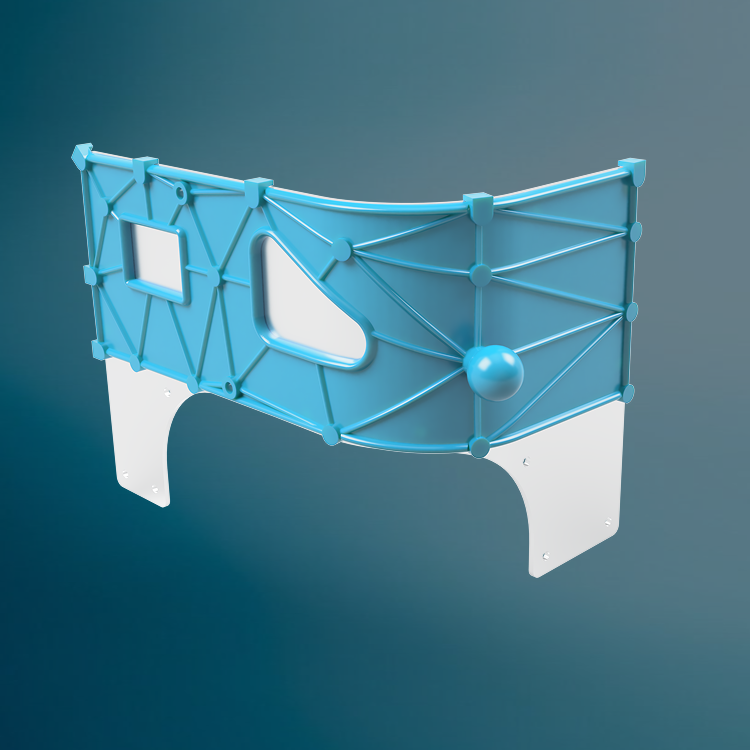
Fast masking design
Upload your part and automatically generate a custom-fit mask around the areas you need to protect.
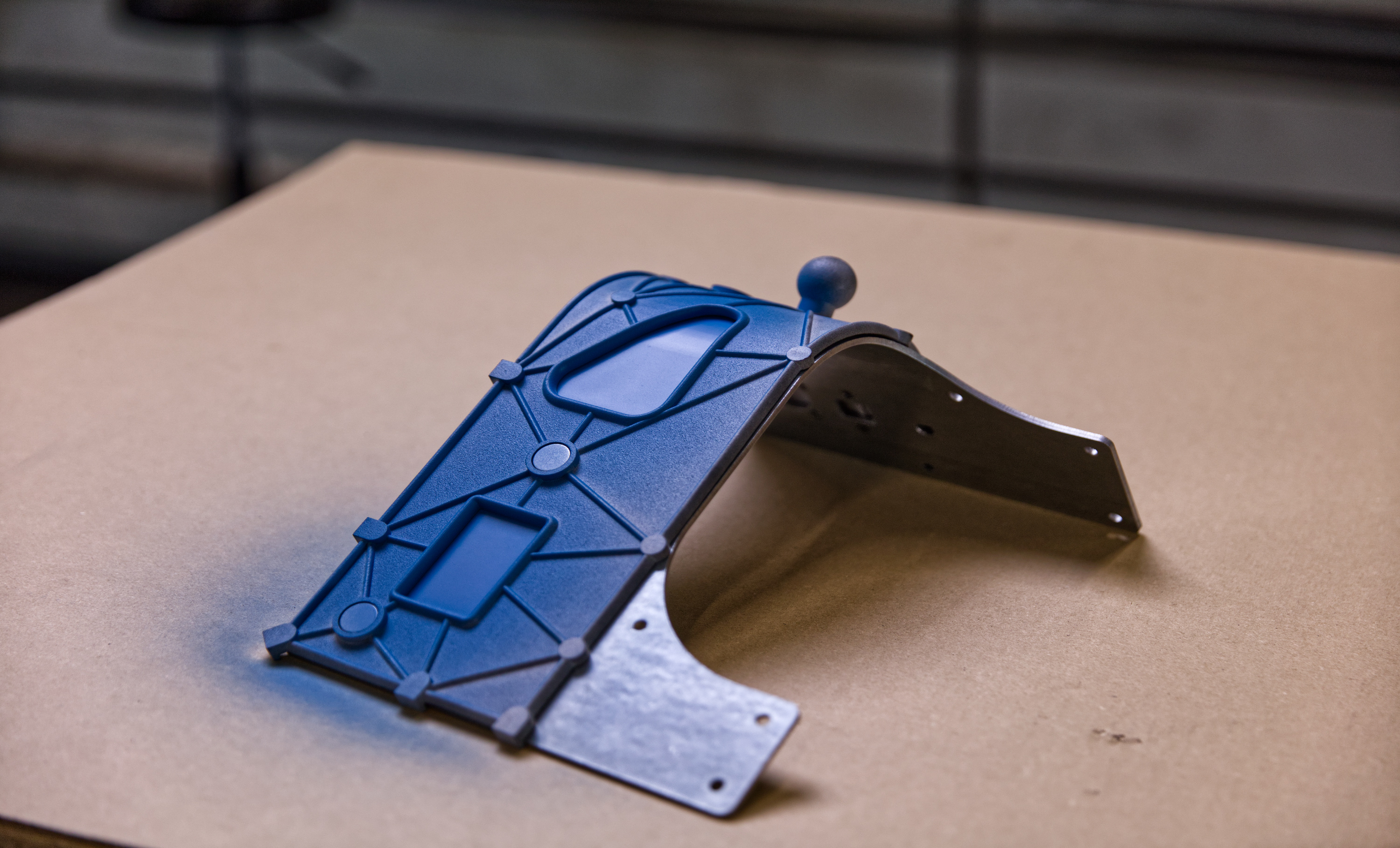
Secure, repeatable placement
Use guides, locator pins, and positioning features to help the mask sit correctly every time.
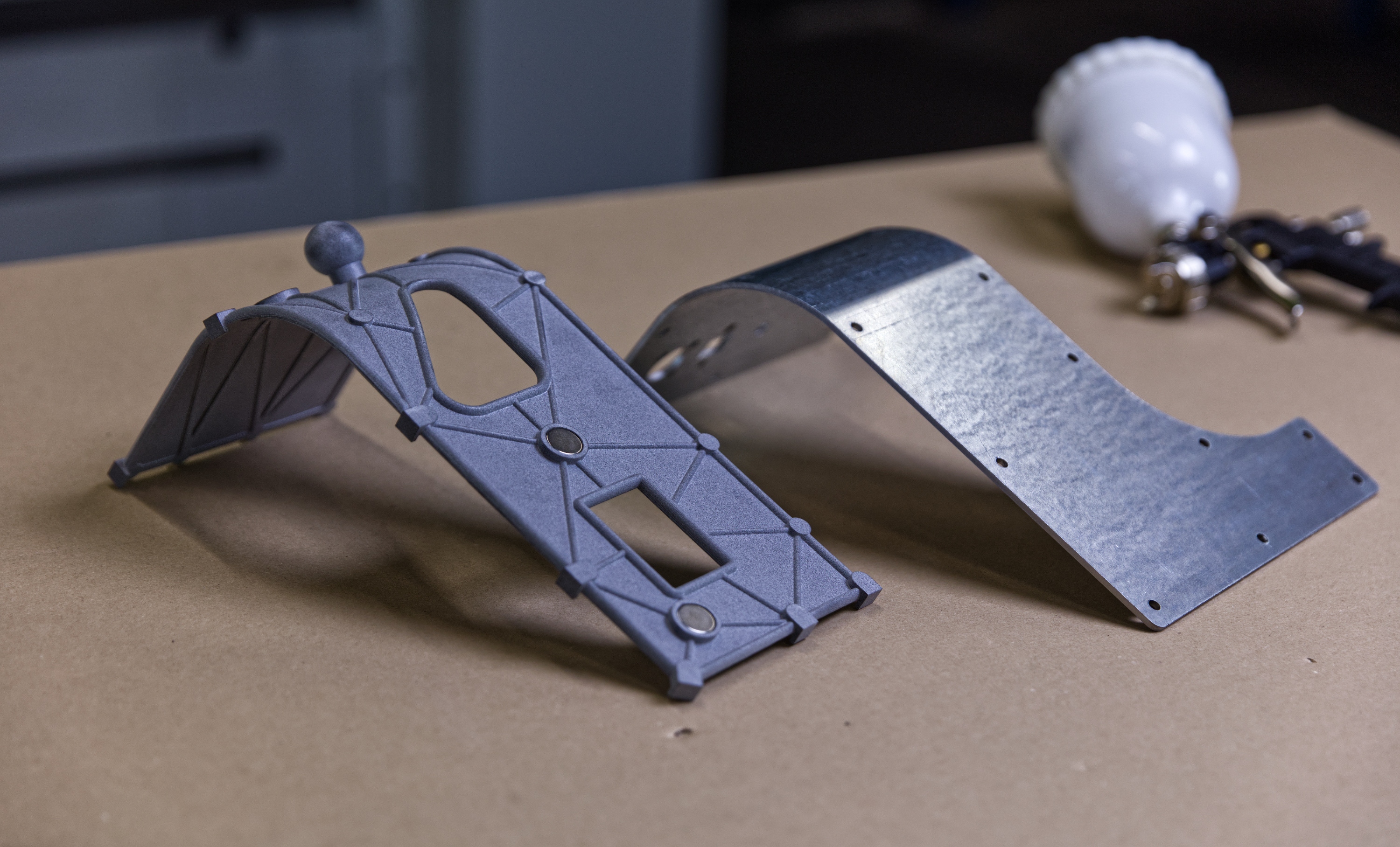
Built for the process
Adjust stiffness and add practical features like handles to create masks suited to real production workflows.
Step 1
Step 1
Step 2
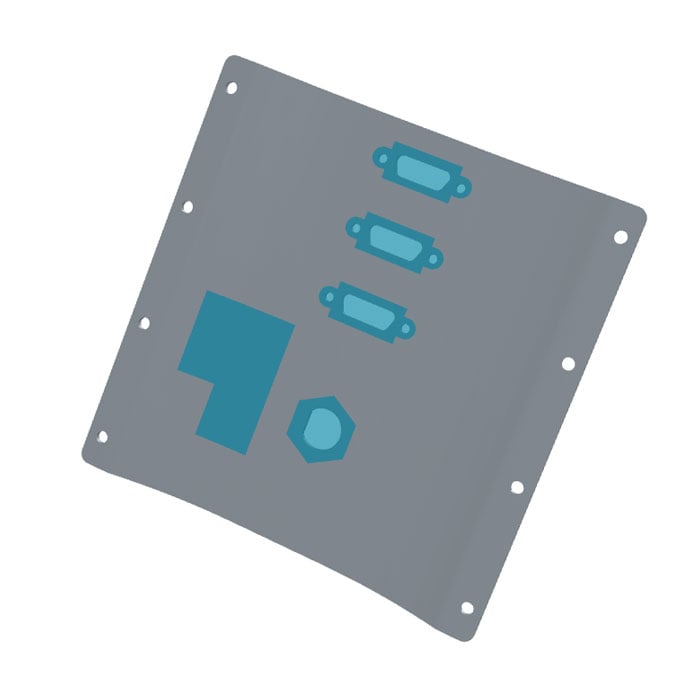
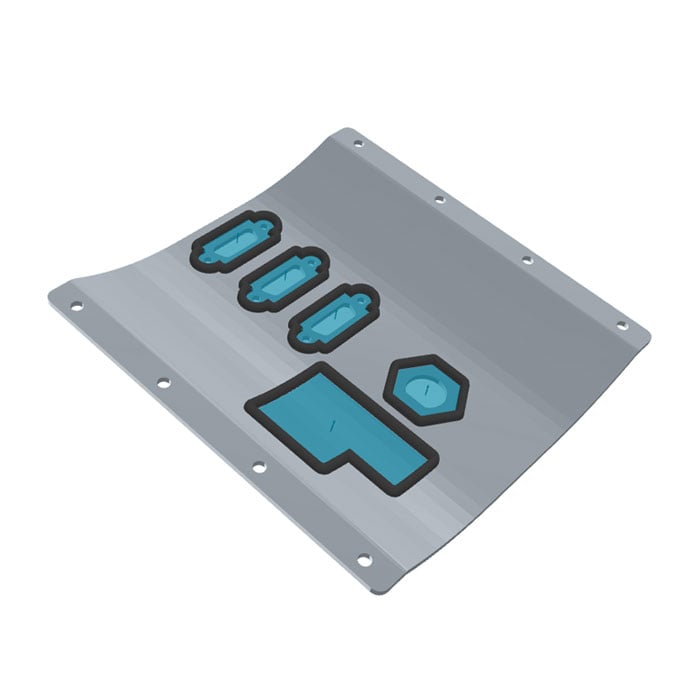
Choose treatment areas
Select surfaces that should remain exposed during the masking process.
Step 2
Step 3
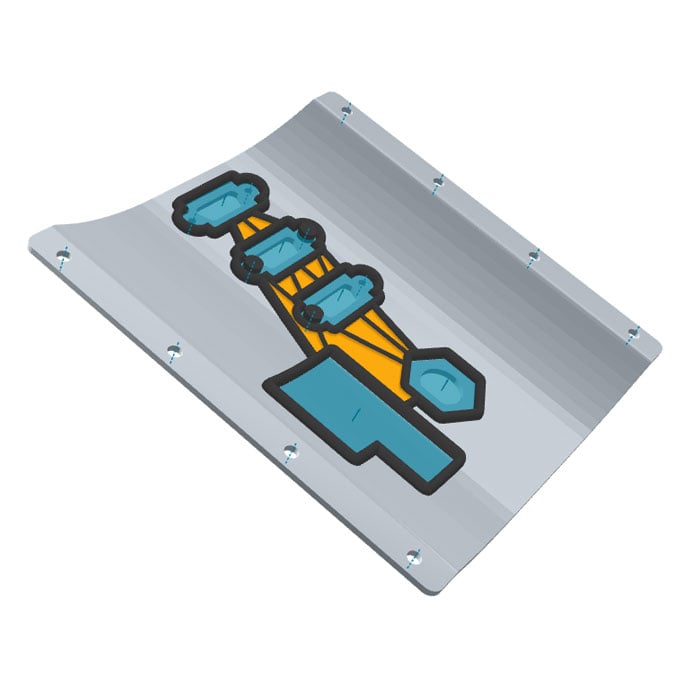
Add locator pins
Use existing holes in the workpiece to add locator pins so you can accurately position the mask every time.
Step 3
Step 4
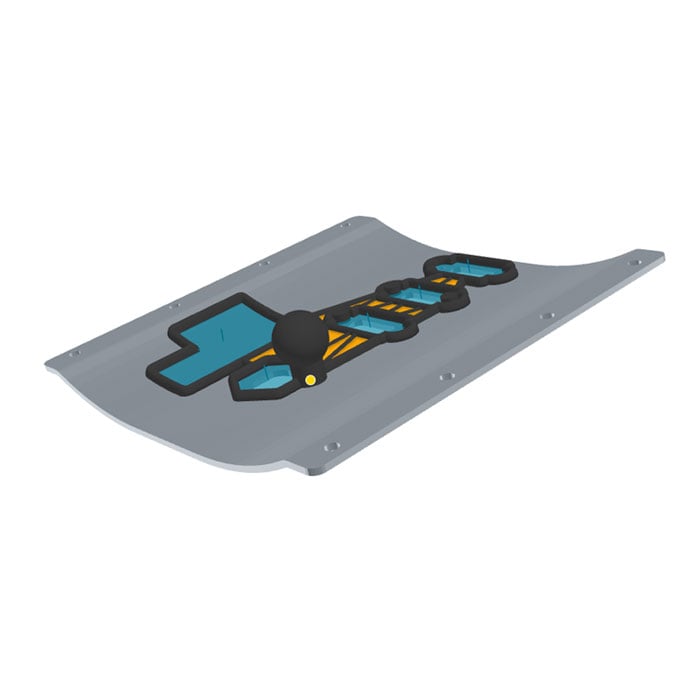
Add features
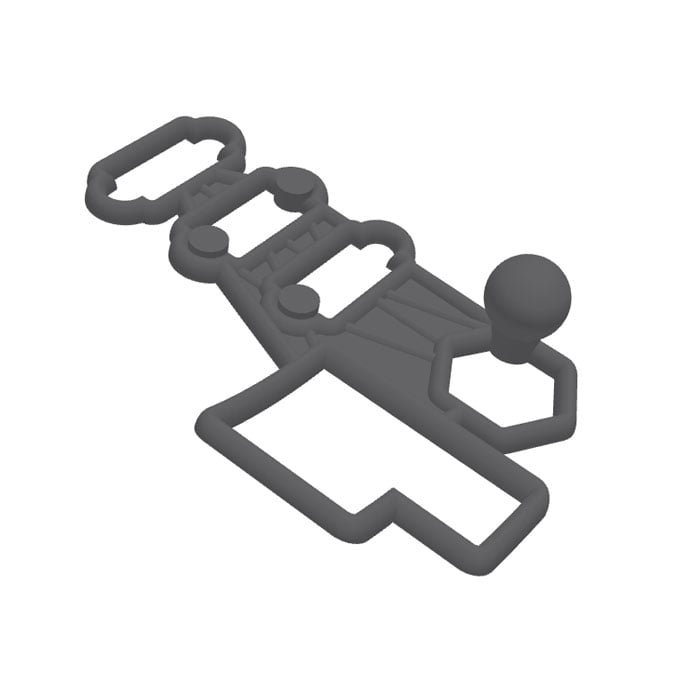
Add locating guides, nodes, and handles to improve the positioning, stability, and usability of the mask.
Step 4
Step 5
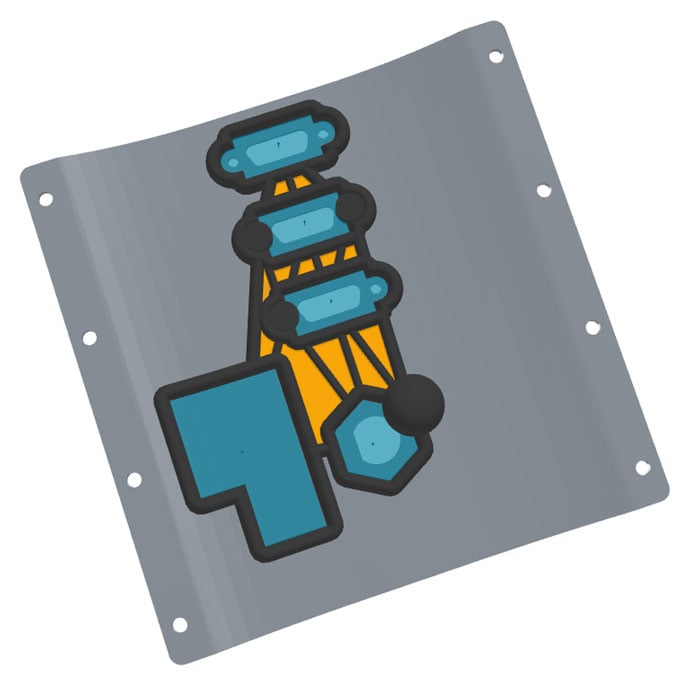
Adjust mask frame
Step 5
Step 6
Step 6