
core

Photo-to-Outline

Launch app Explore more apps
0H6A8522
IMG_8512
0H6A8506
Photo-Outline-
0H6A8526
PTO 1
0H6A9994
three simple steps
pta-1

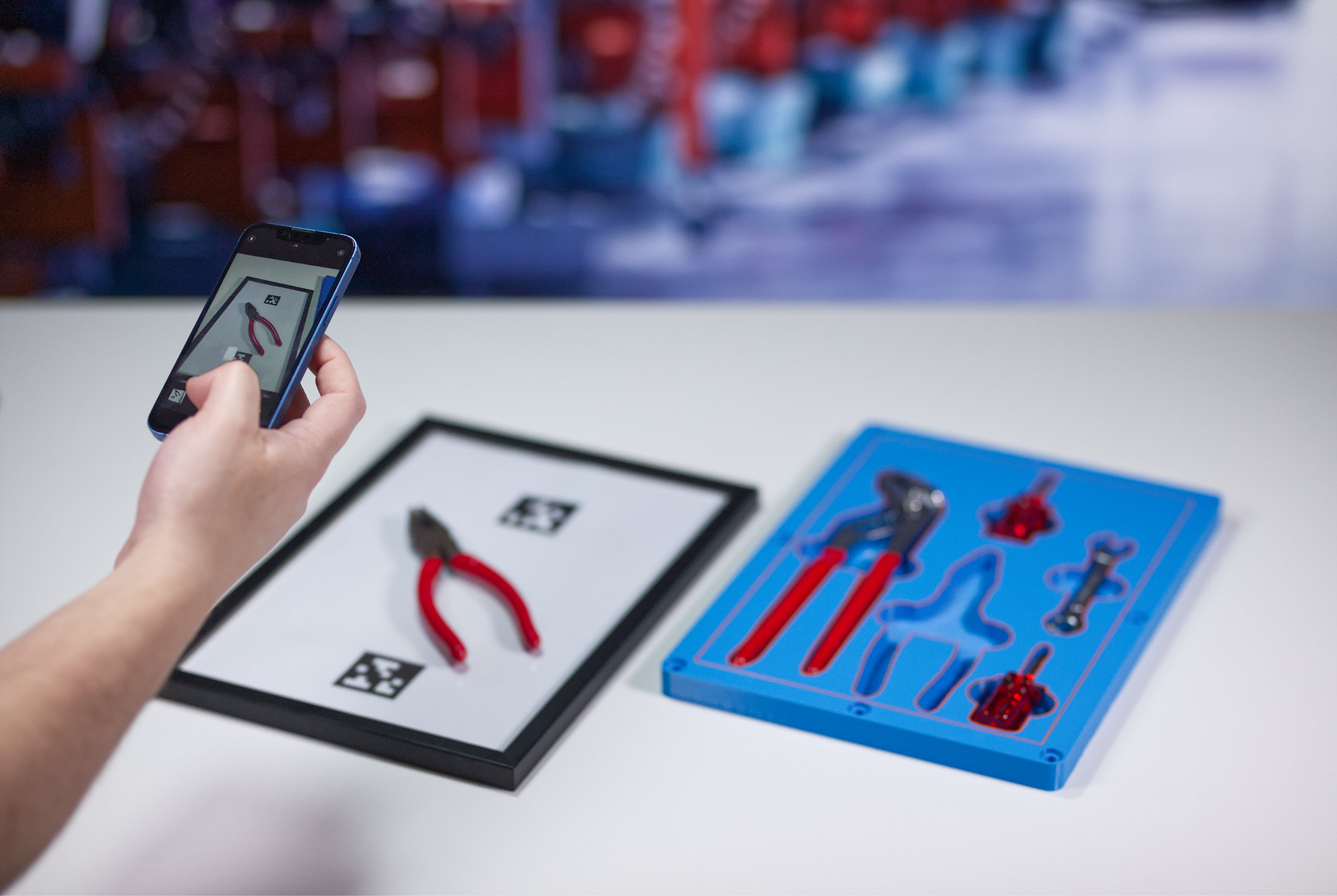
Create precise outlines

Turn photos into editable 3D placeholders.
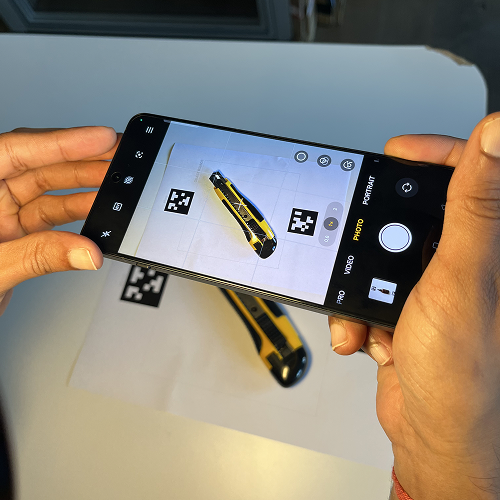
Photo-Outline-1

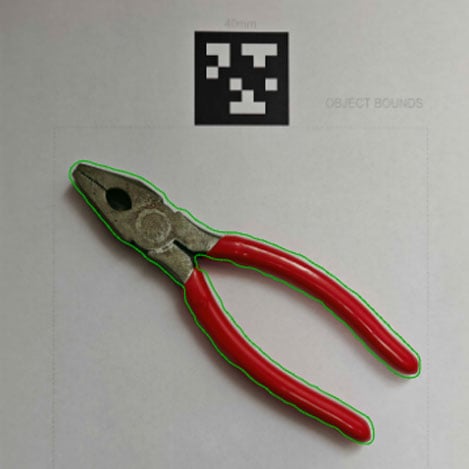
Accurate scaling

Ensure accurate, true-to-size results by using the QR code as a scaling reference in your photo.
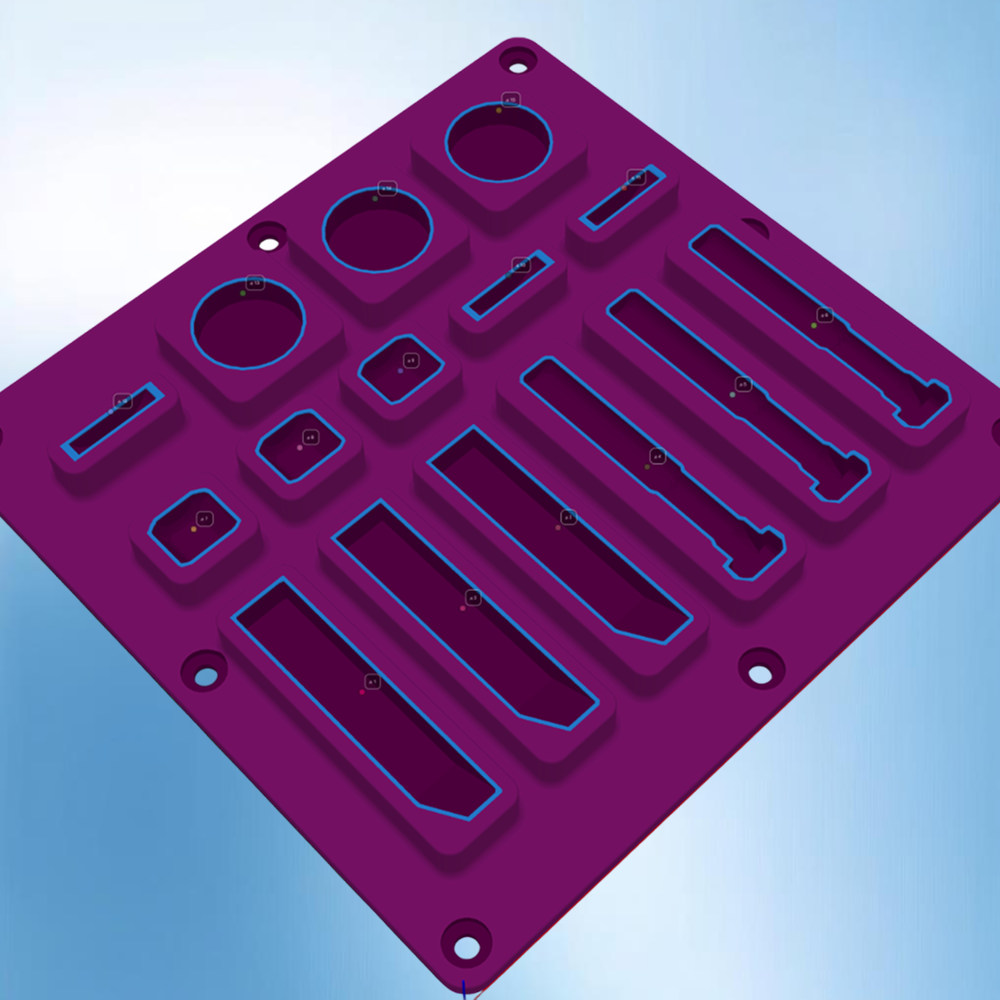
Photo-to-Outline
Launch app
Shadow Board 2

Push to other apps

Export the finished design for use in other apps in the Additive App Suite.

The challenge

Capturing accurate tool outlines from photos is harder than it looks. Getting the scale right, keeping proportions consistent, and aligning images correctly all take time.

Design automation

The Photo-to-Outline App automatically scales and aligns your images to create accurate digital outlines. It removes the guesswork by converting photos into clean, properly sized meshes that are ready for layout or further design work.

The result

Precise digital outlines that match real tools perfectly. Layouts are faster to create, scale correctly every time, and integrate seamlessly into other Additive App Suite apps.

5 simple steps and your design is ready

Design workflow

Step 1

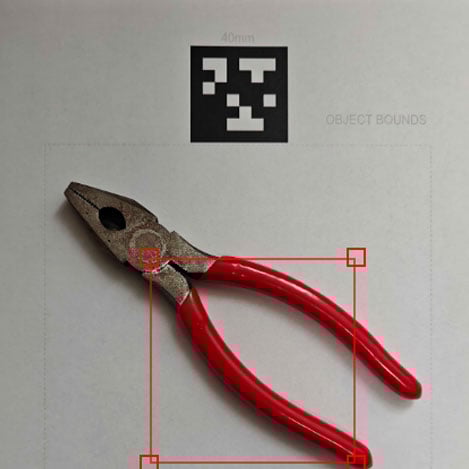
Upload photo with QR code

Start with a clear, top-down image of your tool or workpiece that includes a QR code for automatic scale detection.

Launch app
pta-2
Step 1
Step 2

Define the scale

The app reads the QR code to set precise dimensions, ensuring accurate sizing every time.

pta-1
Step 2
Step 3

Clean the image

Crop and adjust contrast to make the tool’s outline stand out clearly.

pta-1
Step 3
Step 4

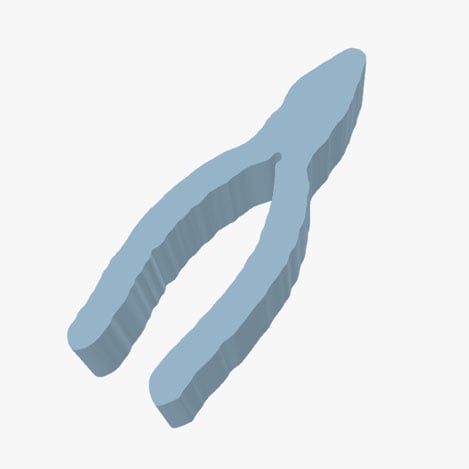
Generate the outline

Convert the photo into an accurate, scaled mesh outline in seconds.
pta-3
Step 4
Step 5

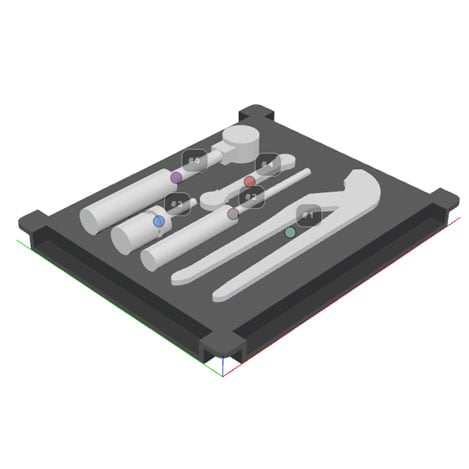
Export or reuse

Use the outline directly in shadow board designs or send it into other Additive App Suite apps.

Launch app
sb-2
Step 5

Explore featured apps