Creating custom masking solutions faster

Applications for custom masking in manufacturing

Custom masking solutions are widely used across industries where critical surfaces must remain protected during coating, blasting, anodizing, plating, or surface finishing processes.

In aerospace manufacturing, masking fixtures are commonly used to protect sealing surfaces, bearing seats, turbine interfaces, and threaded holes during shot peening and coating operations.

Automotive suppliers often use masking tools for powder coating, e-coating, and surface treatment workflows where repeatability and fast fixture setup are important for production efficiency.

Medical manufacturers use precision masking to protect implant contact surfaces and critical tolerances during surface finishing and cleaning processes.

Industrial equipment manufacturers also rely on custom masking for hydraulic manifolds, valve bodies, machined housings, and other components with complex geometries that require selective surface treatment.

Because additive manufacturing enables highly customized geometries, 3D-printed masking fixtures are especially valuable for low-volume production, high-mix manufacturing, and parts with curved or irregular surfaces.
treatment surfaces

Traditional CAD workflow vs. design automation

Traditional masking design workflows often require extensive manual CAD work. Engineers typically need to import part geometry, define treatment surfaces manually, create surrounding mask bodies, add locator features, and prepare the design for manufacturing.

For complex parts, this process can become time-consuming and difficult to standardize across teams.

With design automation inside the Additive App Suite, many of these repetitive steps are simplified through guided workflows and automated geometry generation.

This helps manufacturers:

  • Reduce manual CAD modeling time

  • Accelerate fixture development

  • Improve consistency across masking designs

  • Simplify updates when part geometry changes

  • Enable production teams to create masks without advanced CAD expertise

Automated masking workflows are particularly valuable for manufacturers producing customized tooling regularly or working with high part variation across production environments.

guides

Design automation for masking

Design automation helps simplify and standardize the masking workflow.

Instead of manually building masks from scratch, automated workflows can import treatment surfaces, generate mask bodies automatically, detect positioning holes, and prepare designs for additive manufacturing in a guided process.

This reduces repetitive CAD work and makes custom masking more accessible to production teams without requiring advanced design expertise.

For manufacturers using additive manufacturing regularly, design automation also makes it practical to iterate quickly as parts and treatment requirements evolve.

frame with handle

How the Additive App Suite helps you design masking solutions

The Masking app in the Additive App Suite automates many of the most time-consuming parts of custom mask creation.

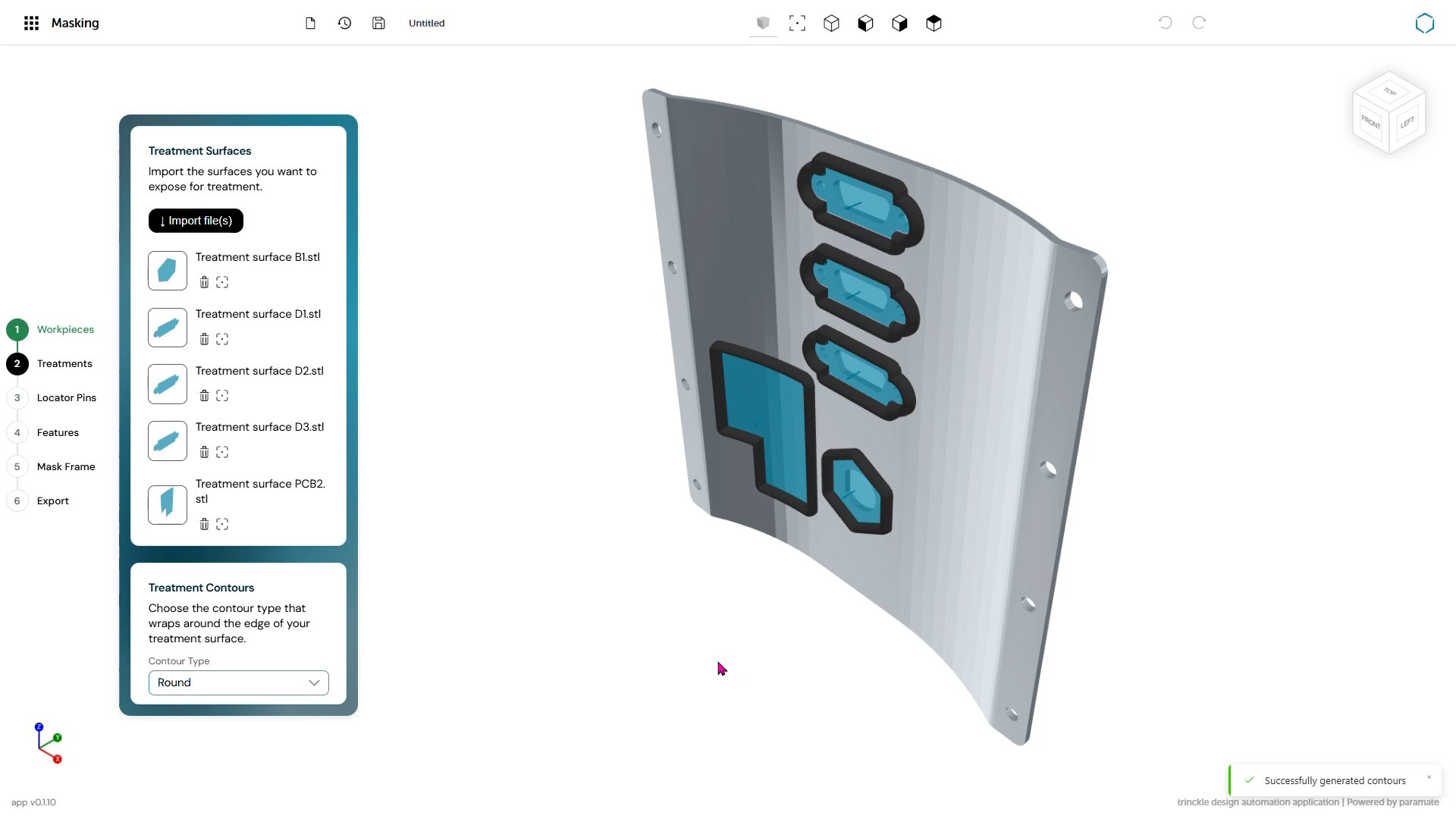
The workflow begins with the import of a workpiece together with its treatment surfaces. This allows the masking workflow inside the Additive App Suite to be set up immediately, reducing manual preparation work and speeding up the overall design process.

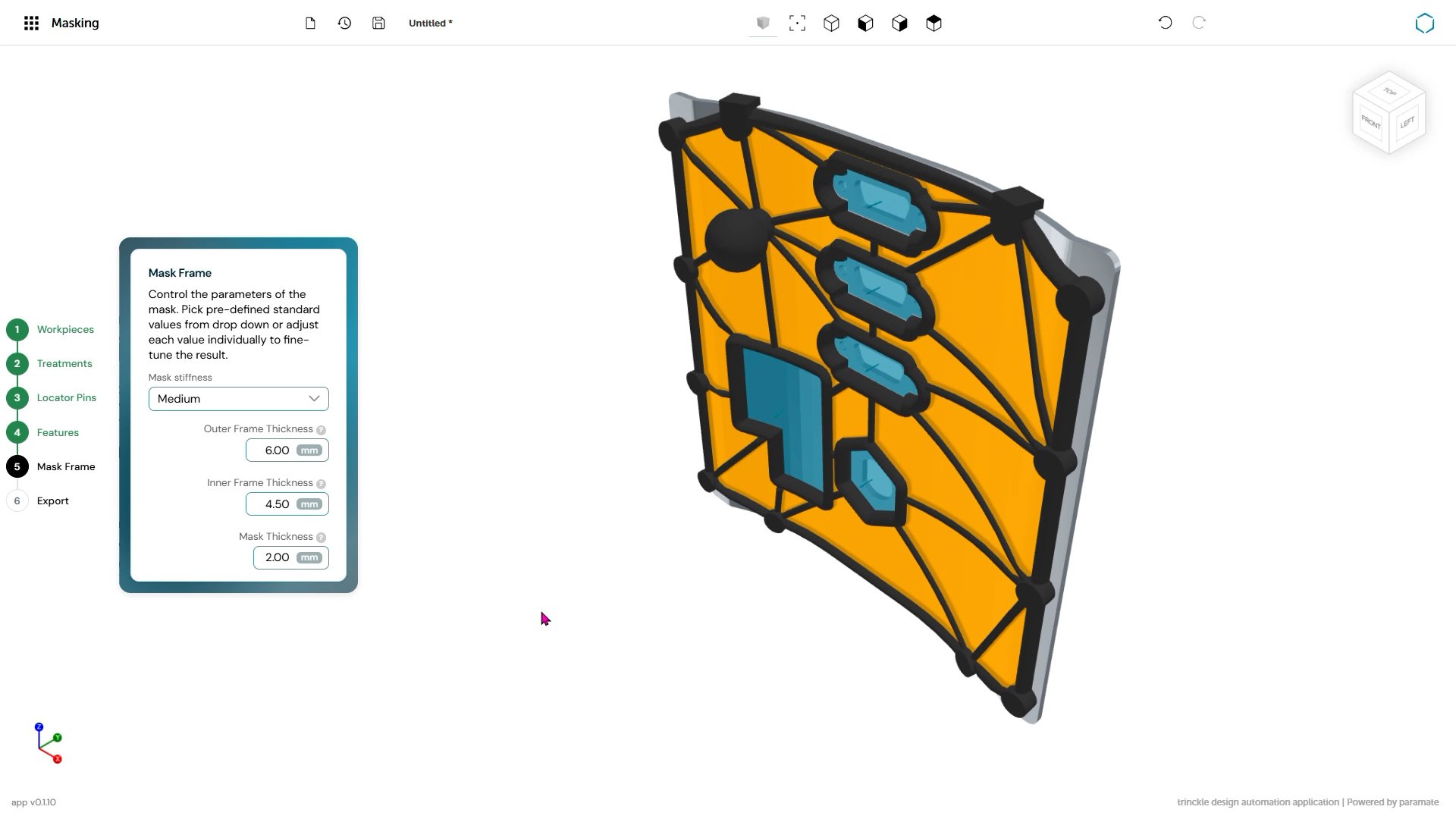
Once treatment areas are defined, the Additive App Suite automatically generates the mask body around the workpiece. Users can choose between low, medium, and high stiffness frame presets depending on the application requirements.

This automated mask body creation is one of the core features of the Additive App Suite Masking app. The generated geometry protects selected surfaces while exposing treatment areas accurately and consistently.

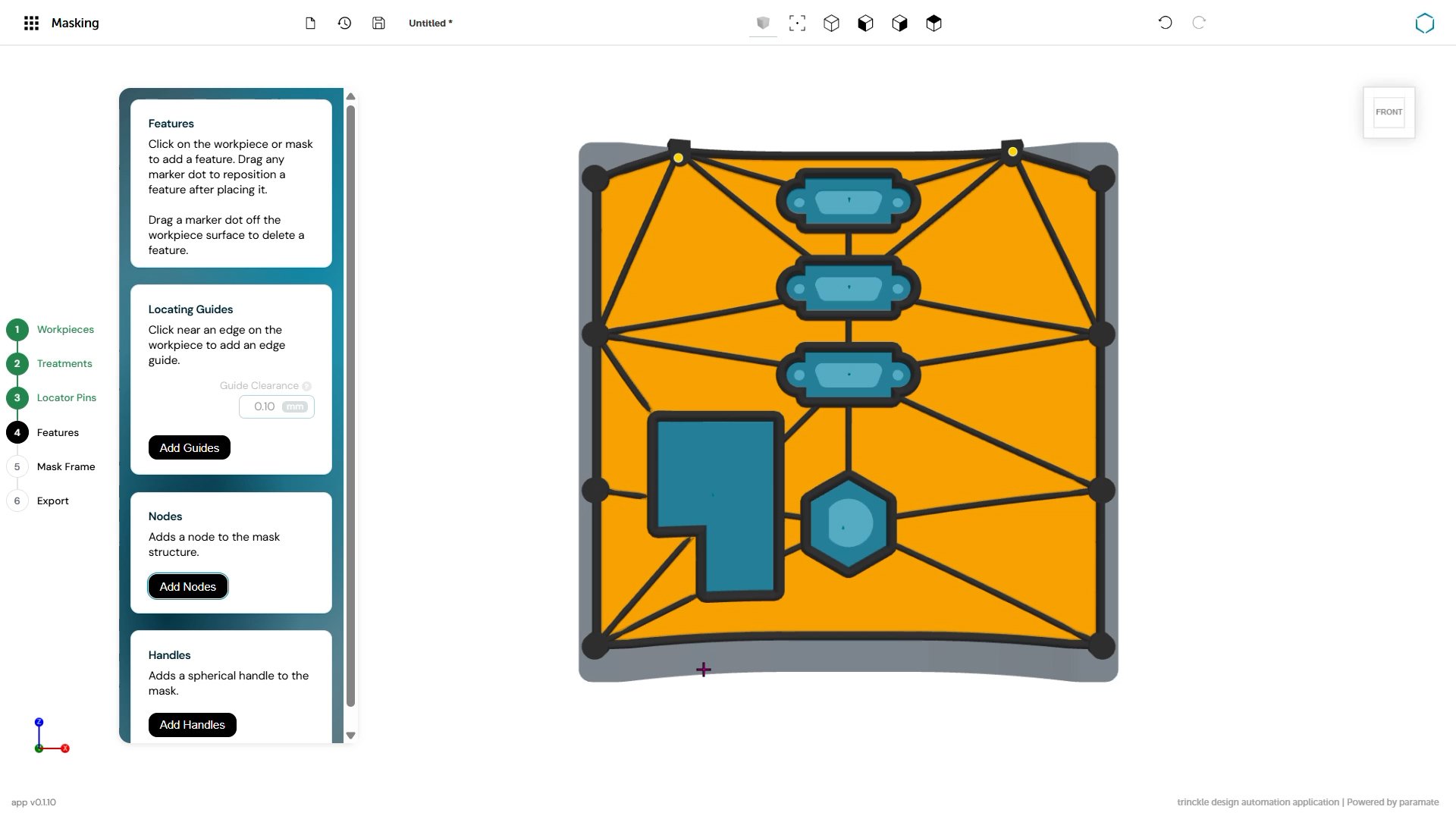
The Additive App Suite also includes automated hole detection capabilities similar to those used in the Drill Guides app. Cylindrical holes can be detected automatically from the workpiece geometry, enabling precise and repeatable locator pin placement.

Unlike the Drill Guides app, the Masking app in the Additive App Suite supports both 3D-printed locator pins and standard industrial locator pins. This gives manufacturers flexibility depending on required tolerances, durability needs, and production workflows.

The Additive App Suite Masking app also includes additional positioning and usability features such as linear guides for precise alignment, integrated handles for ergonomic handling, and nodes for structural reinforcement between mask sections.

Together, these tools help manufacturers create masking solutions that are practical for real shop-floor use while remaining optimized for additive manufacturing.

export

Advantages of design automation for masking

Using design automation for masking helps manufacturers reduce manual CAD work, accelerate tooling creation, and improve consistency across finishing workflows.

Because masks can be generated quickly inside the Additive App Suite, manufacturers can respond faster to production changes and create custom masking solutions without relying heavily on specialist CAD resources.

The Additive App Suite also helps reduce iteration time when treatment surfaces or part geometries change. Instead of rebuilding masks manually, users can update workflows far more efficiently.

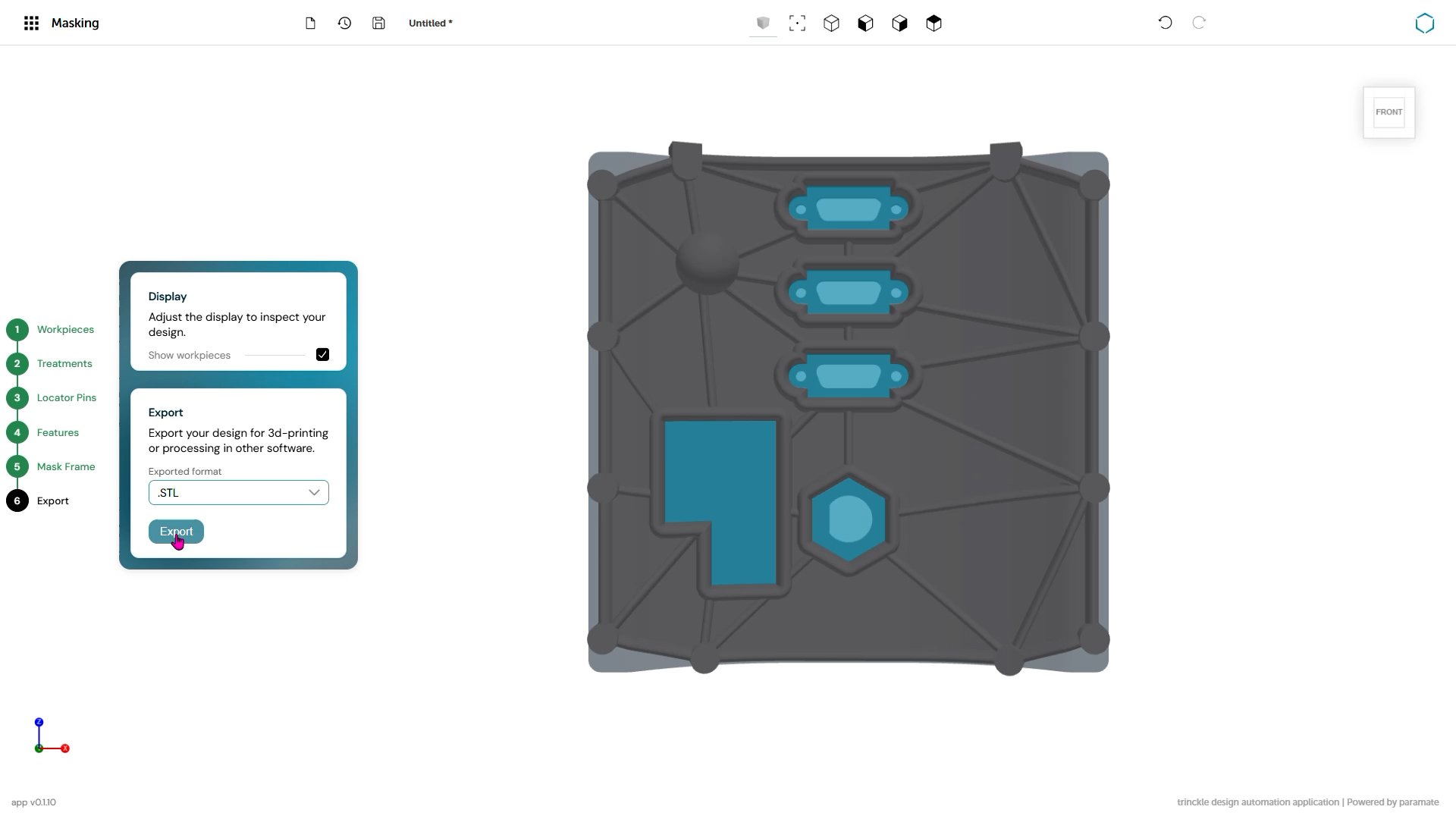
By combining design automation with additive manufacturing, the Additive App Suite makes it practical to produce custom masks directly on site with shorter lead times, lower tooling costs, and workflows that scale more easily across production environments.

For manufacturers looking to simplify custom masking design, the Additive App Suite provides a faster and more accessible path from CAD model to production-ready masking solution.

Get started with the Additive App Suite
Start in 5 minutes | No payment info needed
Try now for free

Explore featured apps