Modify 3D models in seconds without complex CAD work

Edit STLs without mastering CAD

Modifying 3D models without the original CAD data can be a headache, especially if CAD isn't something you use every day. Many 3D printable parts are shared as STL or 3MF files, which are great for 3D printing but awkward to edit and often far more complex than they need to be. Even small feature changes can take hours, rely on clumsy workarounds, and risk breaking the model geometry.

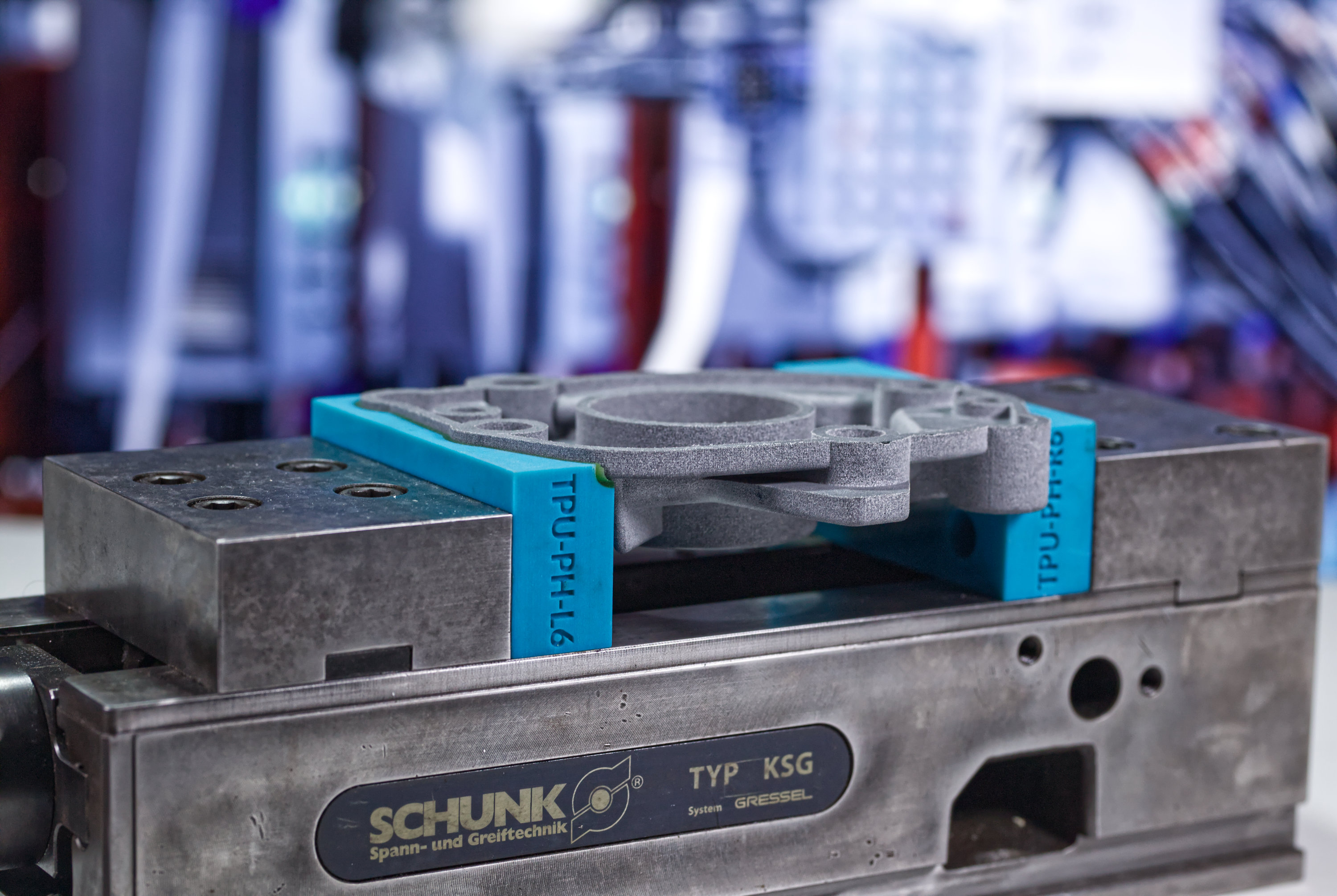
In most cases, you don’t need the full geometry at all. What you actually need is a clean outline that can be turned into a simple pocket that fits the part, for example if you’re making a shadow board.

This is where design automation makes a difference. Instead of wrestling with CAD every time, you leverage guided tools that handle the heavy lifting for you. The Part Modifier app in the Additive App Suite is built for exactly this kind of work. It strips away unnecessary complexity and gives you a focused interface for common model editing tasks, like simplifying geometry, redefining axes, and so on.

It also handles practical conversions, including STEP to STL and back again, and lets you simplify or re-push workpieces in a way that stays compatible with the receiving apps. The result is less time wrestling with meshes and more time getting parts made.

0H6A8605

Introducing the Part Modifier app

The Part Modifier app in the Additive App Suite gives you a simple tool to edit and prepare 3D models for whatever comes next. It lets you make quick adjustments to existing models without needing CAD software or original source files.

You can do things like adjust geometry, rescale dimensions, change orientation, and prep your workpiece for other apps. It removes barriers that normally make mesh editing feel slow and error prone.

A practical workflow

With the Part Modifier app, you follow a clear process that gets models ready in just a few steps:

  • Upload your workpiece directly into the app
  • Simplify the geometry to reduce complexity and make future tasks faster
  • Adjust scale and units so your model matches real-world measurements
  • Reorient or reposition the part to line it up with other tools
  • Export as STL or STEP, or send it straight into another app in the suite

It’s a practical way to strip out unnecessary detail and get the exact geometry you need for shadow boards, fixtures, trays, or any other design tasks.

0H6A8375

Why it matters for teams


The Part Modifier app lowers the barrier to entry for 3D model editing. People who aren’t CAD experts can still prep parts quickly and reliably. That means fewer bottlenecks, less rework, and faster design cycles across your workflow. You don’t have to push everything back to the engineering team just to make small changes.

What comes next?


Once your model is prepared, it works seamlessly with other apps in the Additive App Suite. That lets you build on your edits, design manufacturing aids, or prep for production in a streamlined way.

Get started with the Additive App Suite
Start in 5 minutes | No payment info needed
Try now for free

Explore featured apps