Turn a photo of your tool into 3D data in seconds
Getting accurate tool geometry for shadow boards and more
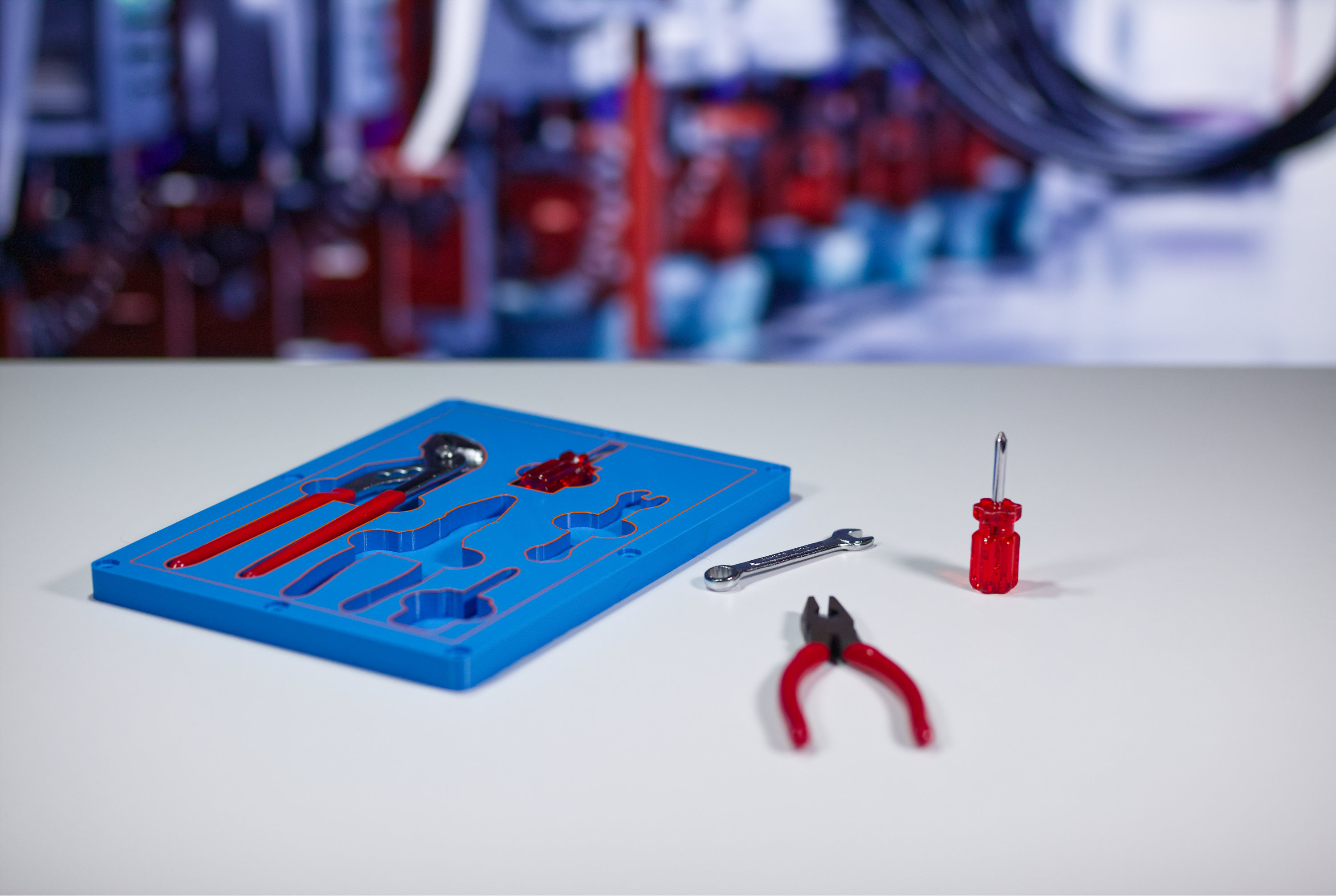
Shadow boards are a simple way to keep tools organized and cut wasted time and space. The Shadow Boards app in the Additive App Suite makes it easy to design a layout which can be 3D printed. But it still needs accurate 3D geometry of every tool to start with.
If you don’t have 3D geometry for a tool, the usual fallback is to manually model it in CAD. That takes time, specialist skills, and careful work just to get the basics right. In the real world, CAD data is often missing or outdated, and recreating it means scaling everything correctly and tracing the tool perimeter accurately. If anything is off, tool pockets won’t fit and the whole design process needs to start again. And that’s frustrating.
Create 3D geometry using a single photo in the Photo-to-Outline app
Frustration about complex desgin steps is why we built an app that automates the design process, letting you generate a correctly scaled, extruded 3D shape in seconds, with zero CAD skills.
Here’s how it works (in six easy steps!)
- In the Additive App Suite, open the Photo-to-Outline app
- Download the PDF template and (2D) print it
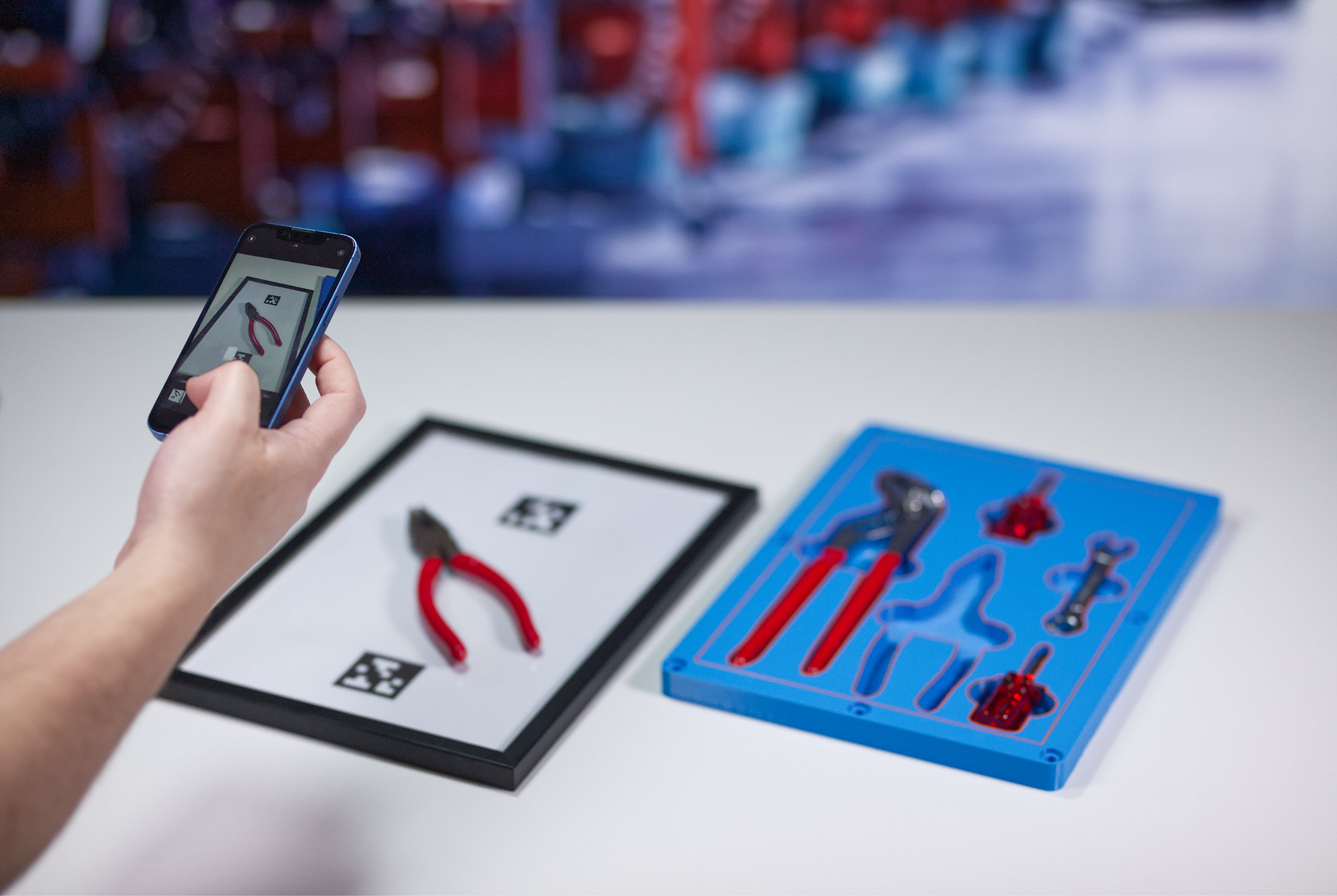
- Place your tool – or multiple tools – within the boundaries of the template and take a photo
- Upload the photo to the Photo-to-Outline app in the Additive App Suite
- The app will generate an extruded 3D outline
- Seamlessly push this into the Shadow Boards app to create cutouts that fit your real tools
How the Photo-to-Outline app saves you time
The Photo to Outline app removes a lot of friction from early stage geometry work in design. It takes a task that is usually fiddly and error prone and makes it fast and repeatable.
- Turn a single photo into usable 3D geometry without manually tracing outlines
- Get correctly scaled results using a simple photo template, no guesswork
- Avoid CAD work for simple profiles and tool shapes
- Create consistent outlines even when tools or parts vary slightly
- Use the generated geometry directly in apps like Shadow Boards and other fixture tools
The Photo-to-Outline app saves you a bunch of time and complex CAD work. There's less time recreating shapes by hand, fewer scaling mistakes, and a faster path from a real world object to something you can manufacture. The geometry you create in this app can also be pushed straight into other apps in the Additive App Suite, like the Shadow Boards app, or Logistics Trays app, without exporting files or redoing any work.