Design automation in use: Shadow boards

What is a shadow board?

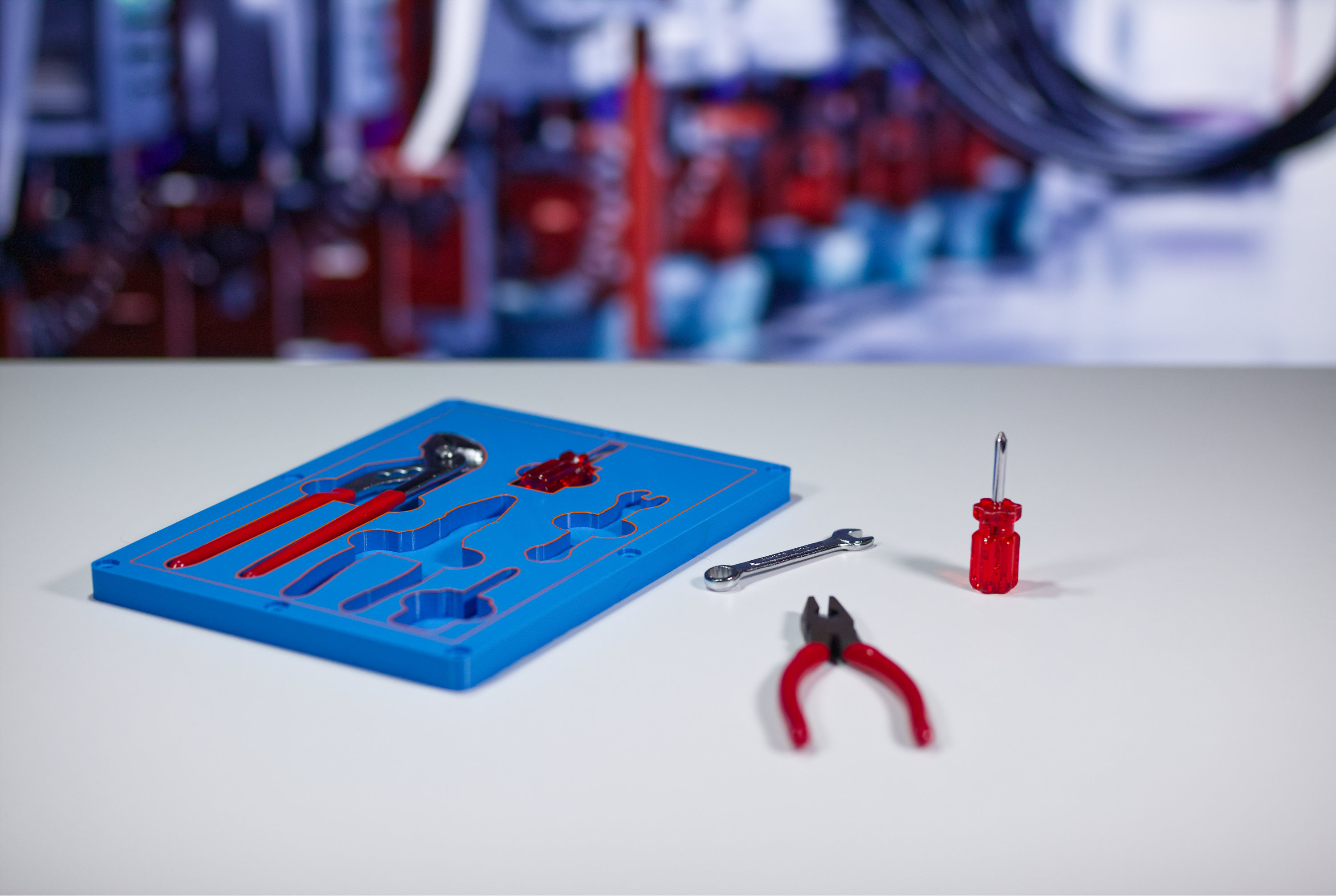
A shadow board is a simple idea that solves a very old problem: Tools go missing, benches get cluttered, and time is wasted looking for things that should be obvious. A shadow board makes absence visible. 

In manufacturing environments, that visibility matters. Lean thinking is about removing small, everyday sources of waste from a process. A well-designed shadow board supports this by reducing search time, lowering the risk of using the wrong tool, and helping new operators understand a workspace at a glance. The shadow board becomes a shared reference point rather than a personal system that only one person understands. 

Shadow boards can also be applied to product packaging. Instead of a wall-mounted board in a workshop used as a storage aid, a shadow board can be part of product packaging itself, where it's used as a visual, protective, and organizational insert inside the box. Think of items like precision toolkits or luxury products where having ordered items is useful, or serves presentation purposes. 

0H6A8497

The benefits of shadow boards


A shadow board will: 

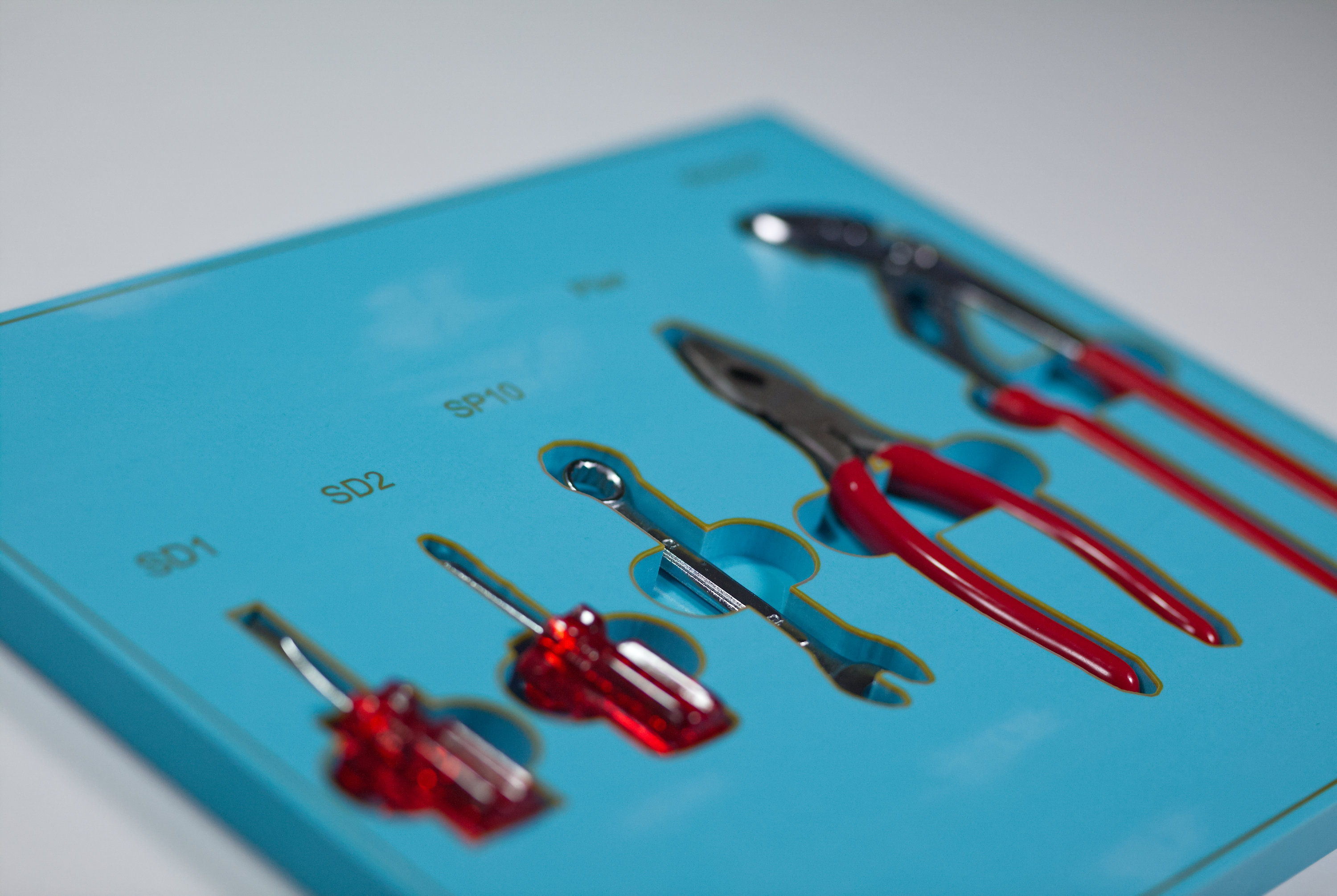
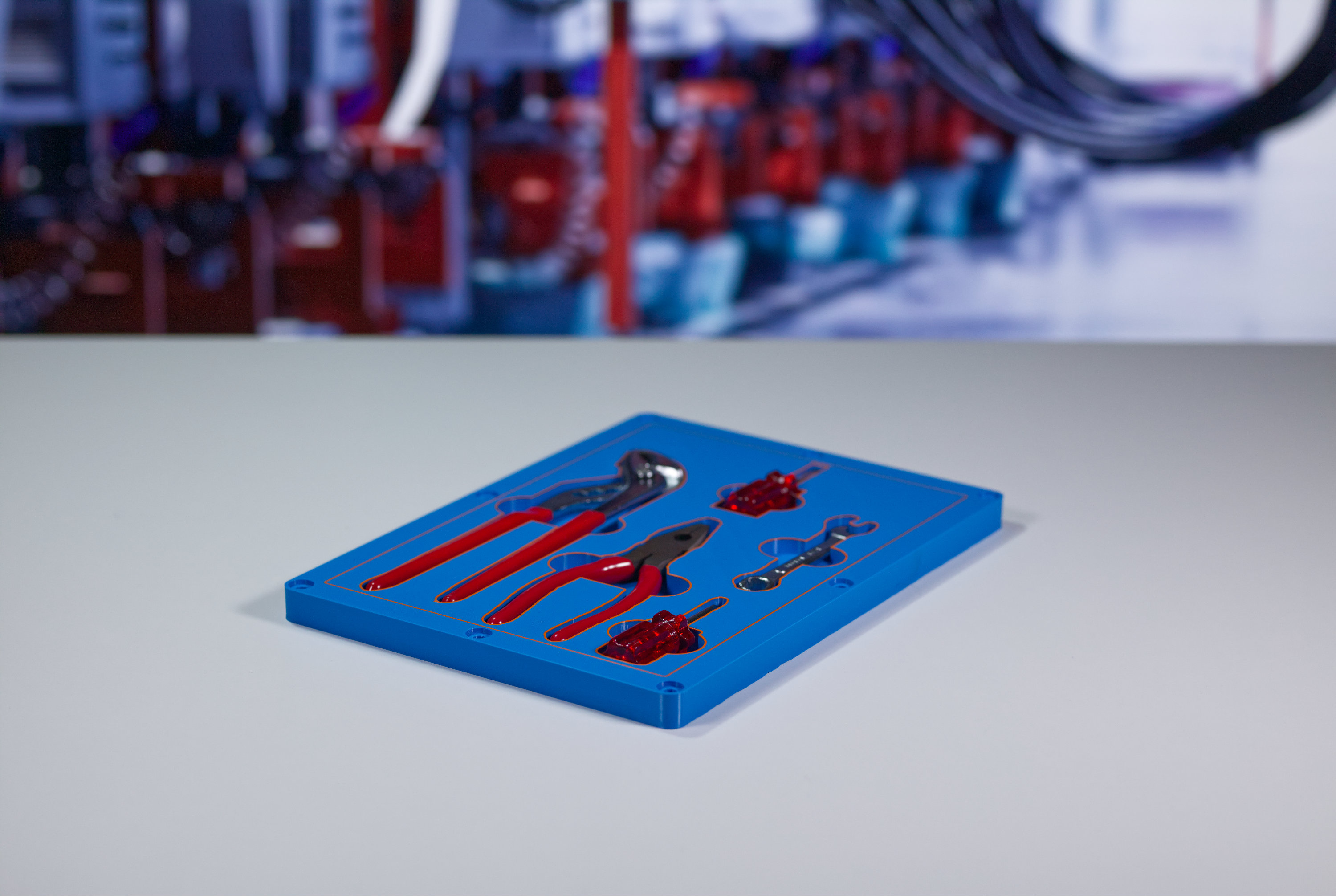
  • Keep all components in place, with each item having its own molded or outlined spot inside the box. 
  • Make missing items obvious – If a part is not in its “shadow,” it’s immediately noticeable, for instance during QA checks. 
  • Enhance presentation, making kitted items look organized and professional. 
  • Protect the items by reducing movement during shipping and lowering the risk of damage. 
0H6A8569

Challenges

There's no doubt that shadow boards are an invaluable tool in industry, but traditionally they need to be manually created, which is a slow and labor intensive process. It typically involves someone tracing tool outlines by hand, or cutting pockets into materials such as foam or wood. If tooling inventory changes, the design process would need to start again. 

This can be a problem because in reality, tools change constantly. New variants appear, or handles might differ slightly, and layouts have to adapt as processes evolve. This is where digital approaches start to matter, not as a novelty, but as a way to stay flexible and keep shadow boards viable at scale.

0H6A8485

Solutions

At trinckle, shadow boards are treated as a design automation problem rather than a drafting task. Instead of redrawing boards from scratch, digital inputs are used to generate consistent, editable layouts that reflect the real tools in use. When something changes, the board changes with it, without starting over. The only investment is the time it takes to 3D print the final item, which is usually the same day, depending on your capacity. 

How is a shadow board designed for 3D printing? 

We've developed a dedicated app called the Shadow Boards App in the Additive App Suite that lets you import 3D tool geometry and use it to create shadow boards directly. 

Many design steps are automated, so design can be completed in minutes without CAD skills, while allowing you to automatically arrange each item for best efficiency, make cutout pockets in one click, and add color accents around the perimeter of each tool in a different color for quick and easy tool identification. The app will export compatible formats for 3D printing workflows, such as STL or STEP files. These can then 3D printed and deployed in a matter of hours. 

What if you don’t have 3D geometry of your tools?

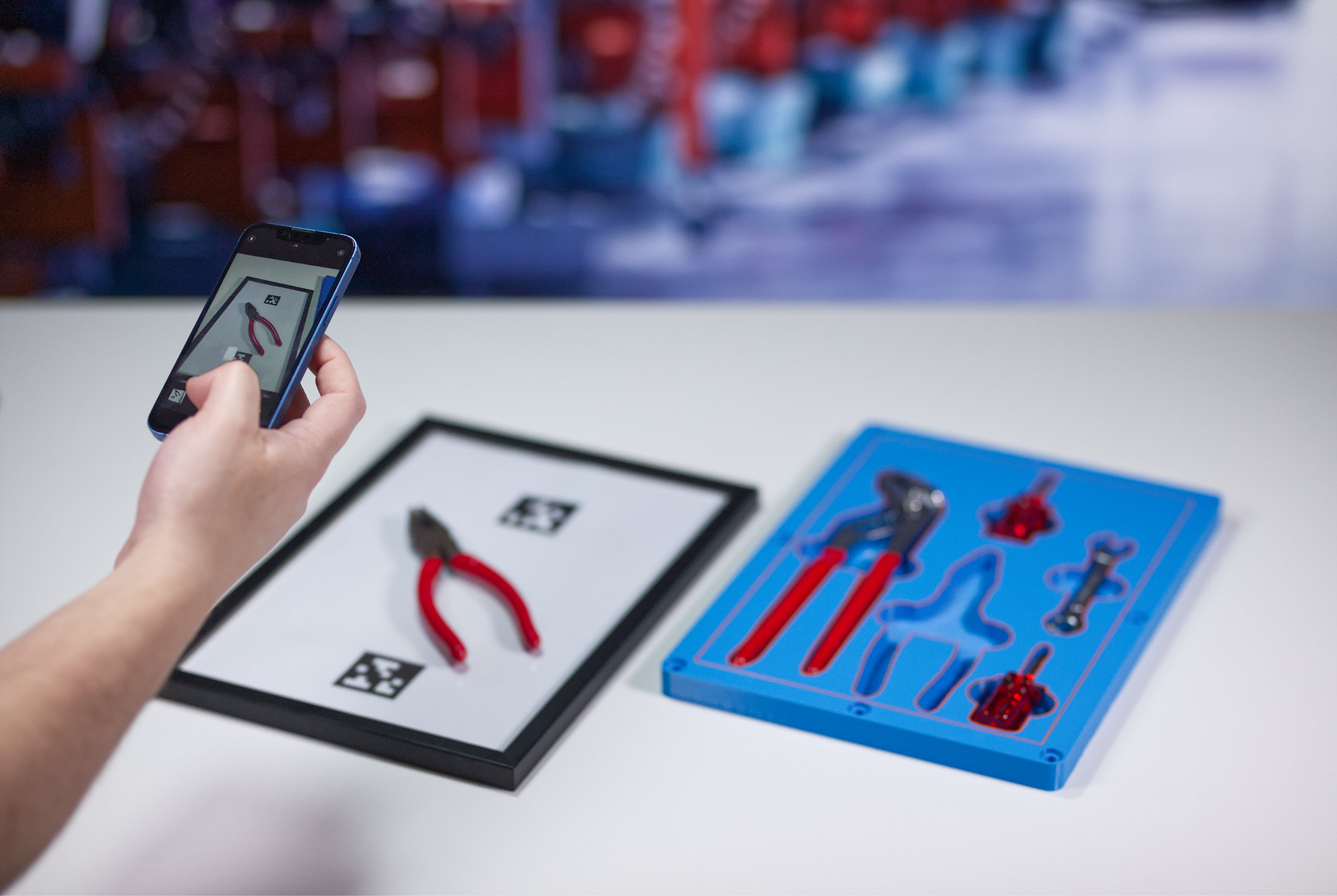
You probably have lots of tools on hand, but don't want to spend time modelling them in CAD so you can make a shadow board. We’ve thought of that too: We also offer the Photo-to-Outline App, which allows you to take a top-down photo of your tool on a printable paper template, upload this photo into our app, which will automatically create a correctly-scaled 3D geometry that can be seamlessly imported into the Shadow Boards app for further processing. This saves you manually modelling tools, and means you can get to your goals quickly without roadblocks. 

0H6A8522

What are the advantages of design automation for shadow boards?

  • Quick and easy to design within a web browser 
  • No CAD skills needed 
  • No distracting CAD engineers from important tasks – shop floor staff can design their own items to suit their needs 
  • Software exports integrate right into 3D printing workflow 
  • Add labels and color accents for easy identification 

Measurable benefits: 

  • Reduce workshop setup time 
  • Faster tool replacement 
  • Same-day production 
  • Less time wasted looking for tools 
  • Fewer mistakes from using the wrong tool 
  • Missing or broken tools spotted immediately 
  • Lower spare tool inventory 
  • Faster training for new operators 
  • Fewer line stoppages and interruptions 


A good shadow board doesn’t need to be overengineered. It needs to be clear, current, and easy to maintain to respond to changes in production needs. When those conditions are met, it becomes one of those rare shop floor tools that pays for itself simply by getting out of the way and letting people work. 

Get started with the Additive App Suite
Start in 5 minutes | No payment info needed
Try now for free

Related articles