
Software update: fixturemate 2.4
We've released a new version of fixturemate. This release focuses on time-saving automations to help you design faster, and new features requested by our customers.
Here's what you can expect in fixturemate 2.4:
What's new?
Snapping alignment. When positioning supports, cutouts, or clamps and their mounting connection holes, intuitive snapping and auxiliary lines make placement and alignment easier, reducing manual adjustments for a faster, more efficient workflow.
Removal direction. When subtracting workpieces, you can now set the removal direction using a gizmo or by manually entering an angle in the left menu to accommodate different assembly constraints. You can also define a second removal direction by left-clicking the center of the gizmo, providing greater flexibility for complex fixtures with multiple workpieces.
Simplify Geometry. Creating a negative is a common fixture design step, but sometimes complex geometries leave unwanted features when the workpiece has holes or cavities. The Simplify Geometry option lets you simplify workpiece geometry by closing pockets or holes along global axes. Right-click on the marker point of your workpiece to find this option. In addition to x and y direction, we've introduced z direction as a parameter for simplifying the model.
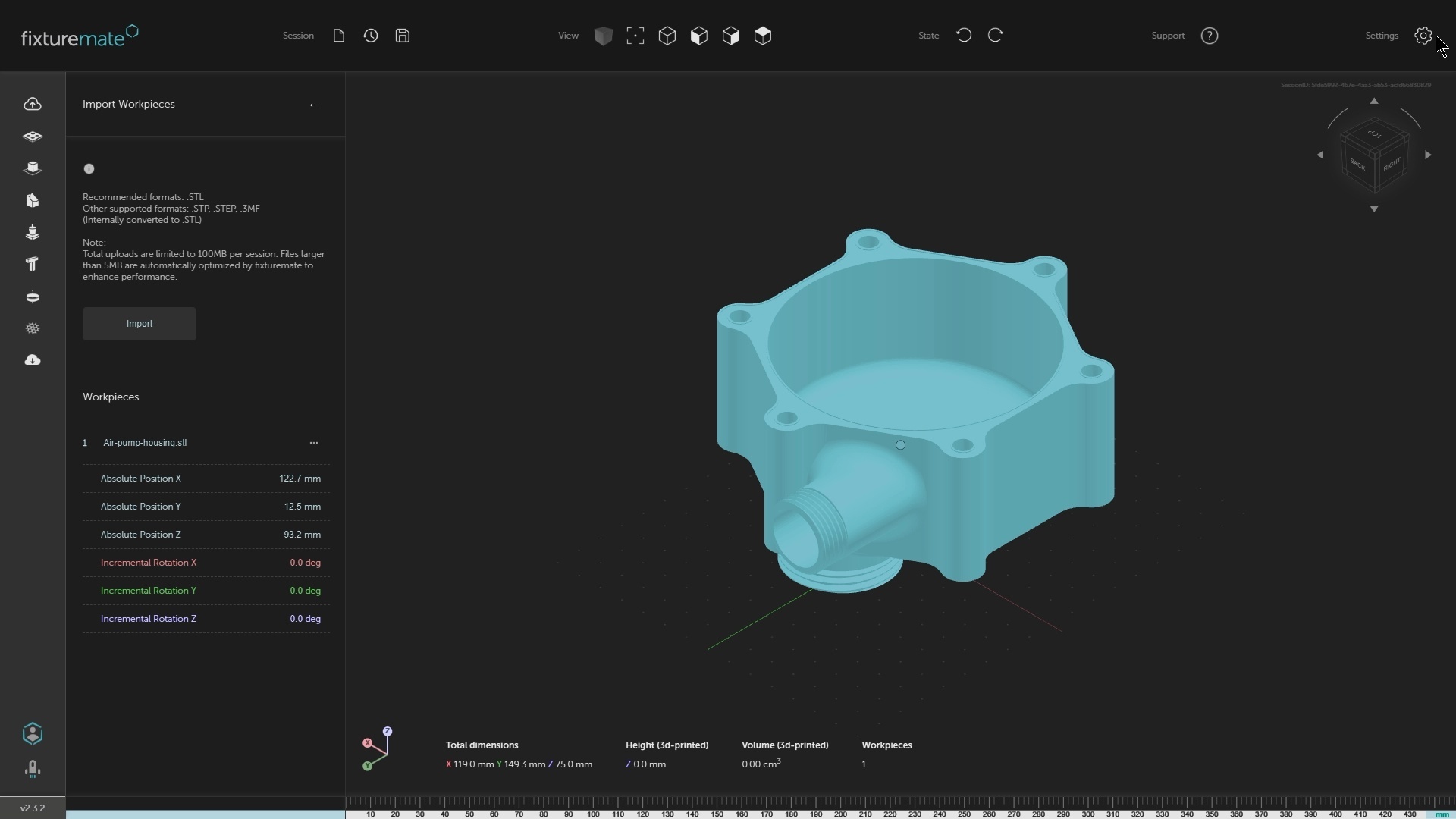
Dark mode. A new dark mode is available in the settings menu, reducing eye strain in low-light environments.
Bug fixes and improvements. Based on customer feedback, we’ve solved some issues and made several minor improvements.
Your fixtures made faster
To access fixturemate 2.4 simply log into fixturemate as usual, and you're all set with the latest updates.
If you're a fixturemate user with a feature idea to make your tasks easier, get in touch with us and we can work together to make it happen.